So... You Want to Start Coding?
First of all — welcome.
You're about to enter a world where:
- You will feel like a genius
- Then 5 minutes later feel completely lost
- Then fix one bug and feel like you just hacked NASA
Totally normal.
Coding is not about being "smart." It's about being stubborn enough not to quit.
What Even Is Coding?
Coding is just telling a computer what to do… but in a very specific way.
Think of it like:
Teaching a very powerful but very dumb robot
If you say:
- "Make tea" ❌ — Robot confused
- "Boil water, add tea leaves, wait 5 minutes…" ✅ — Robot happy
That's literally it. You write instructions. The computer follows them. Sometimes it follows them too well, and that's when things get interesting.
Step 1: Pick ONE Language (Don't Be Greedy)
Beginners love to do this:
"I'll learn Python, JavaScript, Java, C++, Rust, Go… all at once."
Slow down. You're not speedrunning a degree. You're learning a skill.
Start with one language:
- JavaScript — Best if you want to build websites and apps. It runs everywhere.
- Python — Best if you want something simple, clean, and great for data or AI stuff.
If you're sitting there paralyzed by the choice: just pick JavaScript and move on. You can always learn another one later. The concepts transfer.
Step 2: Set Up Your Environment
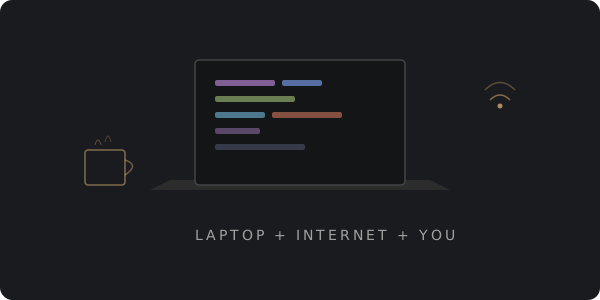
This is the part where most beginners overthink everything. Don't.
You need three things:
- A laptop
- A browser
- A code editor — VS Code is free and everyone uses it
That's it. No fancy setup. No $3,000 MacBook Pro required.
# If you chose JavaScript, install Node.js and check it works
node -v
npm -v
If this works, congratulations — you're already a developer now (unofficially).
Step 3: Your First Code (Yes, This Is It)
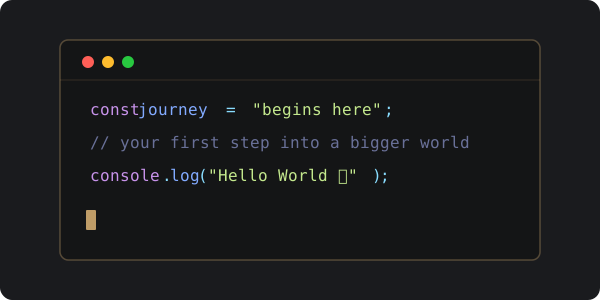
Open your editor. Create a file. Type this:
console.log("Hello world");
Run it.
Boom.
You just spoke to a machine and it listened. That one line is the same first step that every developer on the planet has taken — from the person who built your favorite app to the engineer at NASA.
That's power.
Step 4: Get Comfortable Being Confused
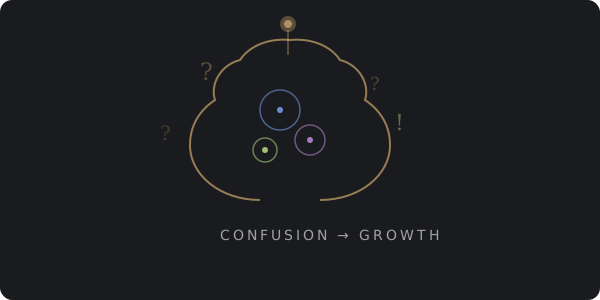
Here's the truth nobody tells you:
You will be confused. A LOT.
And that's actually a good sign.
Confusion means:
- Your brain is stretching
- You're learning something genuinely new
- You're not just rewatching the same tutorial for the 5th time
If you're always comfortable, you're not growing. The discomfort is the learning. Lean into it.
Step 5: Build Small, Ugly Projects
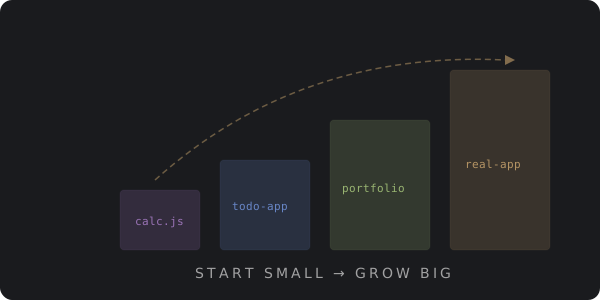
Don't aim for:
- ❌ "I want to build the next Facebook"
- ❌ "My first project needs to look professional"
Start with:
- ✅ A basic calculator
- ✅ A to-do list app
- ✅ A simple personal website
Your first projects will look bad. That's not just okay — it's expected. Even professional developers write ugly code sometimes. They just know how to hide it better.
The point is to build things. Every ugly project teaches you something a tutorial never will.
Step 6: Learn How to Google (Seriously)
This is not a joke. This is genuinely one of the most important developer skills.
90% of coding is:
- Searching for errors
- Reading documentation
- Copying code… and then understanding what you copied
Example: you see this terrifying message —
TypeError: undefined is not a function
Don't panic. Google it. Someone on Stack Overflow has already suffered through this exact problem, asked about it, got 47 answers, and the third one down actually works.
You're never truly alone in coding. The internet has your back.
Step 7: Join the Community
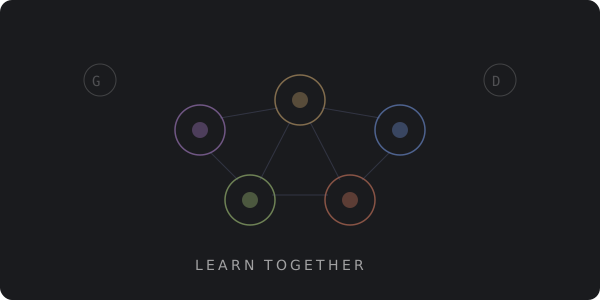
Don't code in isolation forever. It gets lonely and you'll burn out.
Join places where other people are learning too:
- GitHub — Put your code out there, even if it's messy
- Discord communities — There are servers for every language and framework
- Local dev groups — Meetups, hackathons, whatever your city has
This is how you learn faster, stay motivated, and eventually find real opportunities.
Plus, explaining your code to someone else is the fastest way to realize you don't actually understand it yet.
Step 8: Stay Consistent (This Is the Real Secret)
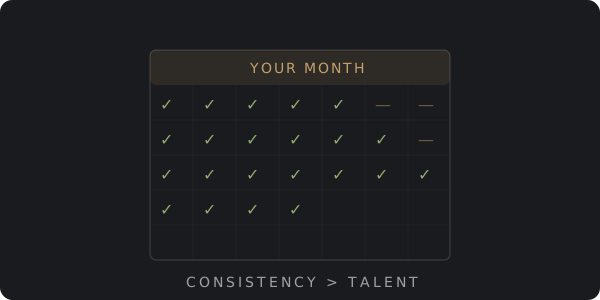
Forget motivation.
Motivation is that friend who shows up excited on day one and disappears by day three. You can't depend on it.
What actually works:
- Code for 1–2 hours daily
- Even when you don't feel like it
- Even when nothing makes sense
- Even when your code won't run for the 47th time
Consistency beats talent. Every single time. The developers you admire didn't get there by being naturally gifted. They got there by not quitting on the days it felt pointless.
Common Beginner Mistakes (Avoid These)
- Trying to learn everything at once — You'll remember nothing
- Watching tutorials without coding along — This is like watching cooking shows and expecting to be a chef
- Giving up too early — The first month is the hardest. Push through it.
- Comparing yourself to senior developers — They've been doing this for years. You started last Tuesday.
Remember: every expert was once a beginner who felt just as lost as you do right now.
Final Thoughts
Coding will:
- Frustrate you
- Challenge you
- Surprise you
- And eventually, change your life
If you stick with it.
You don't need:
- A computer science degree
- Expensive bootcamps
- Genius-level IQ
You just need:
- A laptop
- Internet
- Persistence
That's the whole secret. There's no shortcut. There's no magic tutorial. There's just you, showing up, writing code, breaking things, fixing them, and doing it all over again tomorrow.
Helpful Resources
- MDN Web Docs — The best reference for web development
- freeCodeCamp — Free, structured, project-based learning
- Developer Roadmaps — Visual guides for every career path
- Stack Overflow — Where you'll spend 30% of your coding life
Your first line of code won't change the world. But if you keep going… one day, it might.
Happy coding.